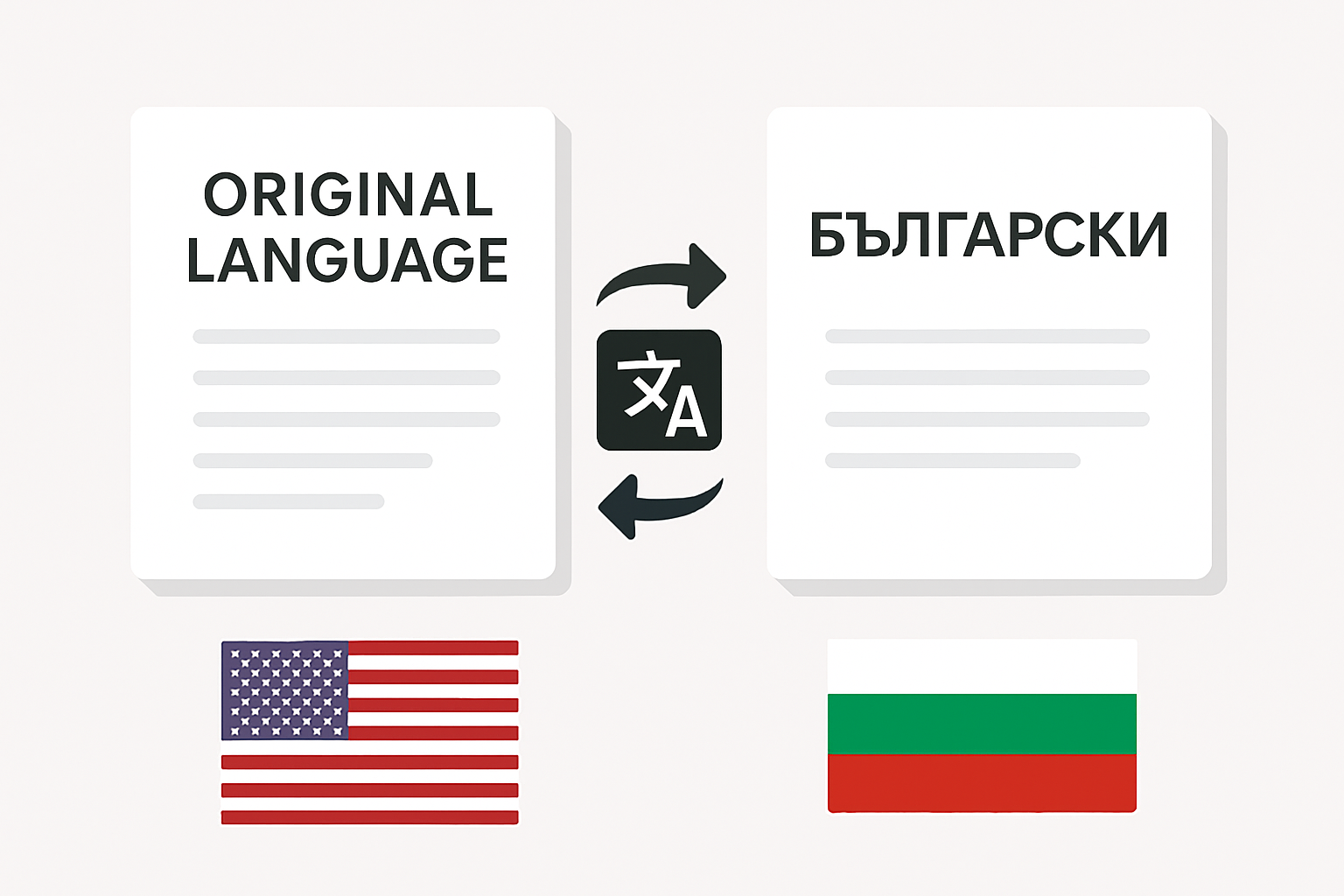
Translate documents to and from Bulgarian

Step‑by‑step guide

Follow these simple steps to change the language of any file into any other language of your choice:

  1. Create an account by entering your email and password.
  2. Click “New Translation” and choose a PDF, DOCX, PPTX, or image file.
  3. Set the source language and select Bulgarian as the target.
  4. Click “Translate.” In a few moments, the status will update to “Done.”
  5. Download the finished file—it’s saved in your dashboard and available without restrictions.

Frequently Asked Questions

Can I translate a document into Bulgarian for free?

Yes. The Basic plan covers one file of up to 1,000 words—perfect for testing the service, sending a rush letter, or handling a short document.

Is the original formatting preserved?

Absolutely! PDFT locks in headings, lists, and image positions so the final document visually mirrors the original.

How many pages can I process at once?

Files up to 500 MB are accepted without splitting. Processing time depends on size: an 80 page report typically completes in about one minute.

How can I improve the accuracy of complex terminology?

Use a clear, structured source document: avoid handwritten notes and uncommon fonts, and place explanatory comments directly in the text.

Are there daily translation limits?

The Basic plan allows one free file per day. Upgrading to a Premium plan removes daily caps and grants priority processing.

What if my file contains tables with numeric data?

PDFT preserves cell formats, decimal separators, and alignment, so financial reports or price lists remain fully readable without edits.

Where can I find my translation history?

Go to the “My Translations” tab to see a catalog of all your processed files. They’re available for download 24/7 with no expiration.

Ready To Translate? Let's Begin!

Remove language barriers between you and your Bulgarian partners—fast, reliable, and cost effective.